 Image 1 of 2
 Image 2 of 2
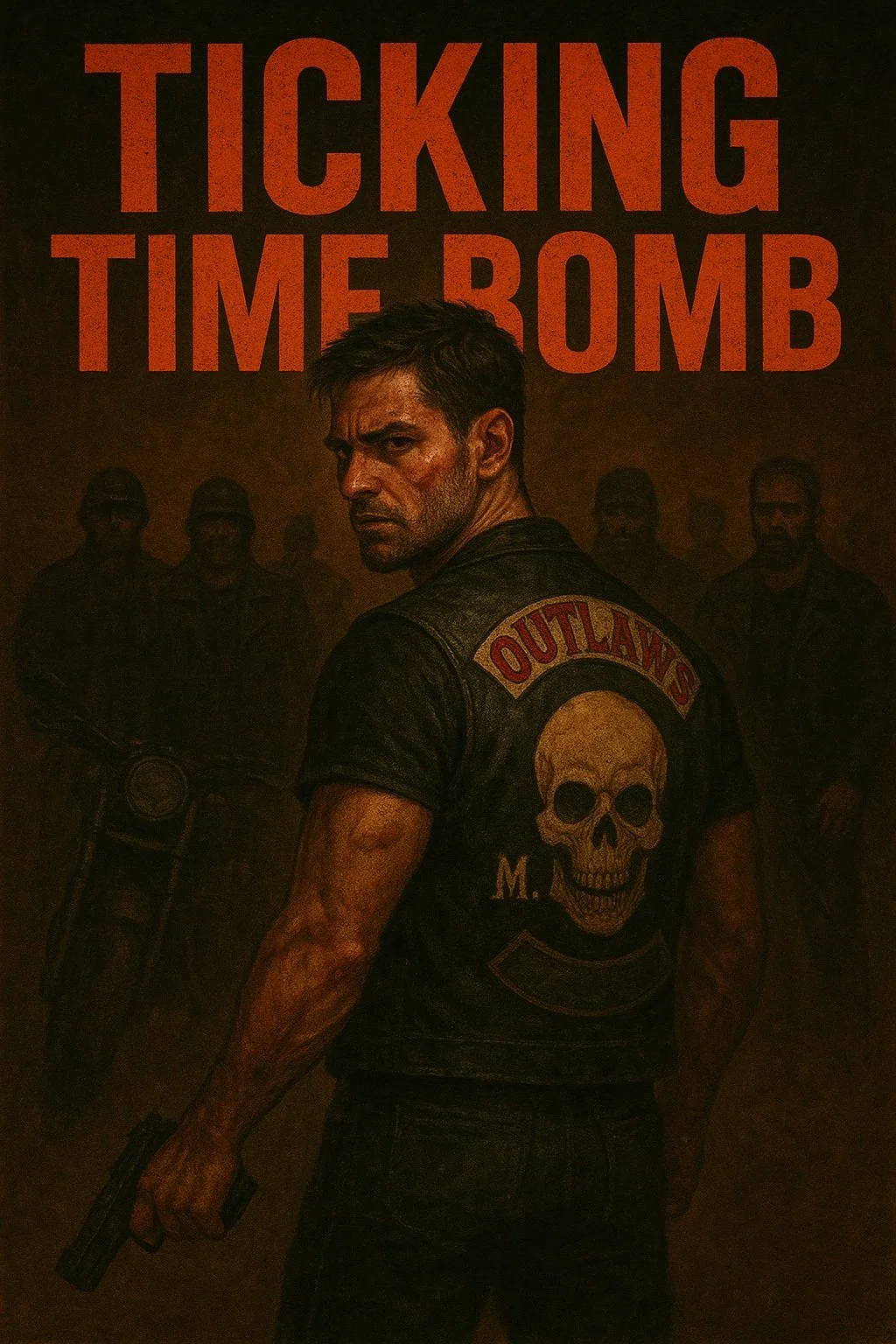
Dakota believed he was finally free from Andy, the abusive ex who broke his childhood and never stopped haunting him. But when his past catches up with The Iron Serpents MC, Dakota’s life is thrown into chaos, betrayal, and violence.
Matthew is loyal and willing to risk it all to protect Dakota. But his ties to the club and old grudges make every choice harder. Each step Dakota takes gives Andy more control, dragging them into a harsh game where everyone gets hurt.
From ambushes and explosions to hospital room agony, The Iron Serpents MC must face the truth: some wars aren’t fought with bullets, but with scars. When love blurs into obsession, the price of freedom may be too high.
In a world where danger is always close, Dakota is the one everyone is watching, ready to explode at any moment.
After his last fight puts him in a coma, the club and Matthew can only wait, watch, and hope he wakes up. It’s not over until Dakota opens his eyes.
There is multiple ways to transfer this book to your kindle. Keep in mind that Kindle does not directly support ePub, but it will be automatically converted to a kindle appropriate file! Here are the ways you can do it:
1. Send to Kindle by Email:
Find your Kindle's unique email address in your Amazon account settings (under "Manage Your Content and Devices," then "Devices").
Compose a new email and attach the epub file.
Send the email to your Kindle's email address.
Sync your Kindle to receive the book
2. Send to Kindle by Web Browser:
Go to the Amazon "Send to Kindle" page.
Sign in to your Amazon account.
Drag and drop your epub file onto the designated area, according to Amazon.
Choose to add the book to your library or send it to specific devices.
3. Send to Kindle App (iOS/Android):
Open the Kindle app on your iOS or Android device.
Locate the epub file on your device (e.g., in your file manager).
Use the "Share" or "Open With" option to send the file to the Kindle app.
Select your Kindle device and send the file.
4. USB Transfer:
Connect your Kindle to your computer using a USB cable.
Locate your Kindle drive in your file manager (e.g., Finder on Mac, File Explorer on Windows).
Open the "Documents" or "Books" folder on your Kindle.
Drag and drop the converted epub file (or the original epub file if it's compatible) into that folder.
Dakota believed he was finally free from Andy, the abusive ex who broke his childhood and never stopped haunting him. But when his past catches up with The Iron Serpents MC, Dakota’s life is thrown into chaos, betrayal, and violence.
Matthew is loyal and willing to risk it all to protect Dakota. But his ties to the club and old grudges make every choice harder. Each step Dakota takes gives Andy more control, dragging them into a harsh game where everyone gets hurt.
From ambushes and explosions to hospital room agony, The Iron Serpents MC must face the truth: some wars aren’t fought with bullets, but with scars. When love blurs into obsession, the price of freedom may be too high.
In a world where danger is always close, Dakota is the one everyone is watching, ready to explode at any moment.
After his last fight puts him in a coma, the club and Matthew can only wait, watch, and hope he wakes up. It’s not over until Dakota opens his eyes.
There is multiple ways to transfer this book to your kindle. Keep in mind that Kindle does not directly support ePub, but it will be automatically converted to a kindle appropriate file! Here are the ways you can do it:
1. Send to Kindle by Email:
Find your Kindle's unique email address in your Amazon account settings (under "Manage Your Content and Devices," then "Devices").
Compose a new email and attach the epub file.
Send the email to your Kindle's email address.
Sync your Kindle to receive the book
2. Send to Kindle by Web Browser:
Go to the Amazon "Send to Kindle" page.
Sign in to your Amazon account.
Drag and drop your epub file onto the designated area, according to Amazon.
Choose to add the book to your library or send it to specific devices.
3. Send to Kindle App (iOS/Android):
Open the Kindle app on your iOS or Android device.
Locate the epub file on your device (e.g., in your file manager).
Use the "Share" or "Open With" option to send the file to the Kindle app.
Select your Kindle device and send the file.
4. USB Transfer:
Connect your Kindle to your computer using a USB cable.
Locate your Kindle drive in your file manager (e.g., Finder on Mac, File Explorer on Windows).
Open the "Documents" or "Books" folder on your Kindle.
Drag and drop the converted epub file (or the original epub file if it's compatible) into that folder.