 Image 1 of 4
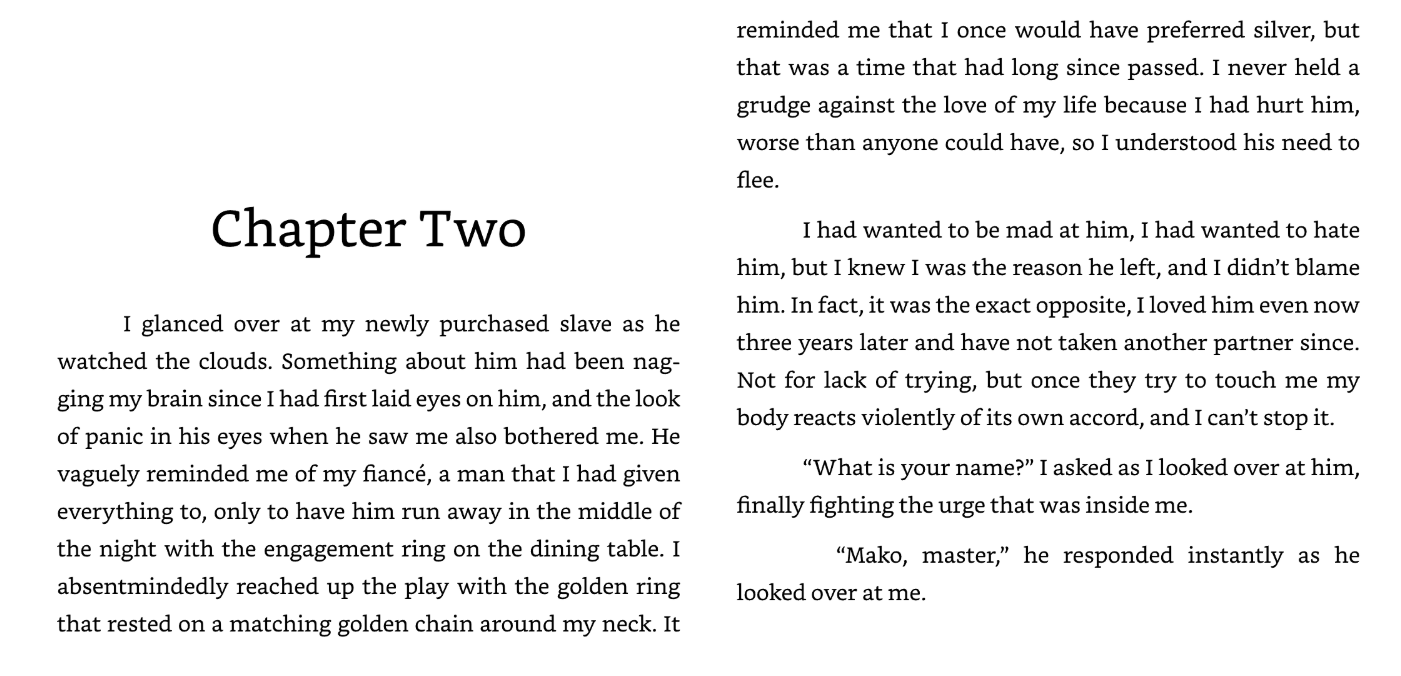 Image 2 of 4
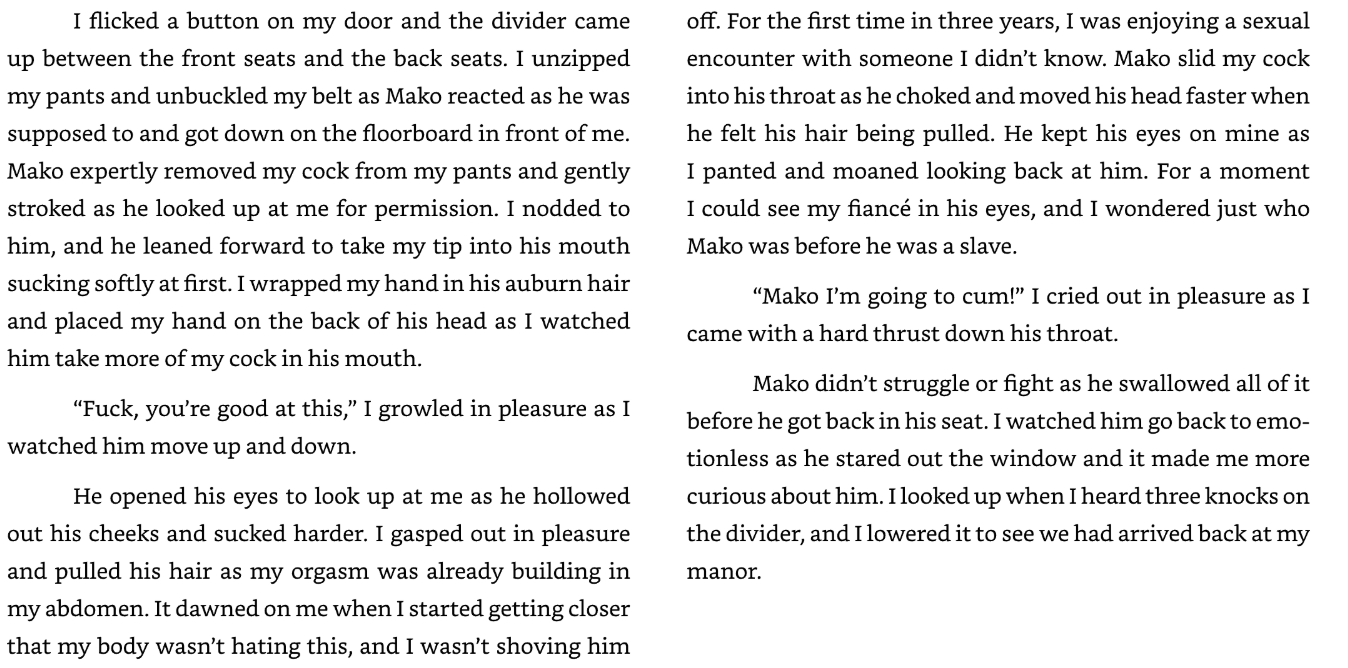 Image 3 of 4
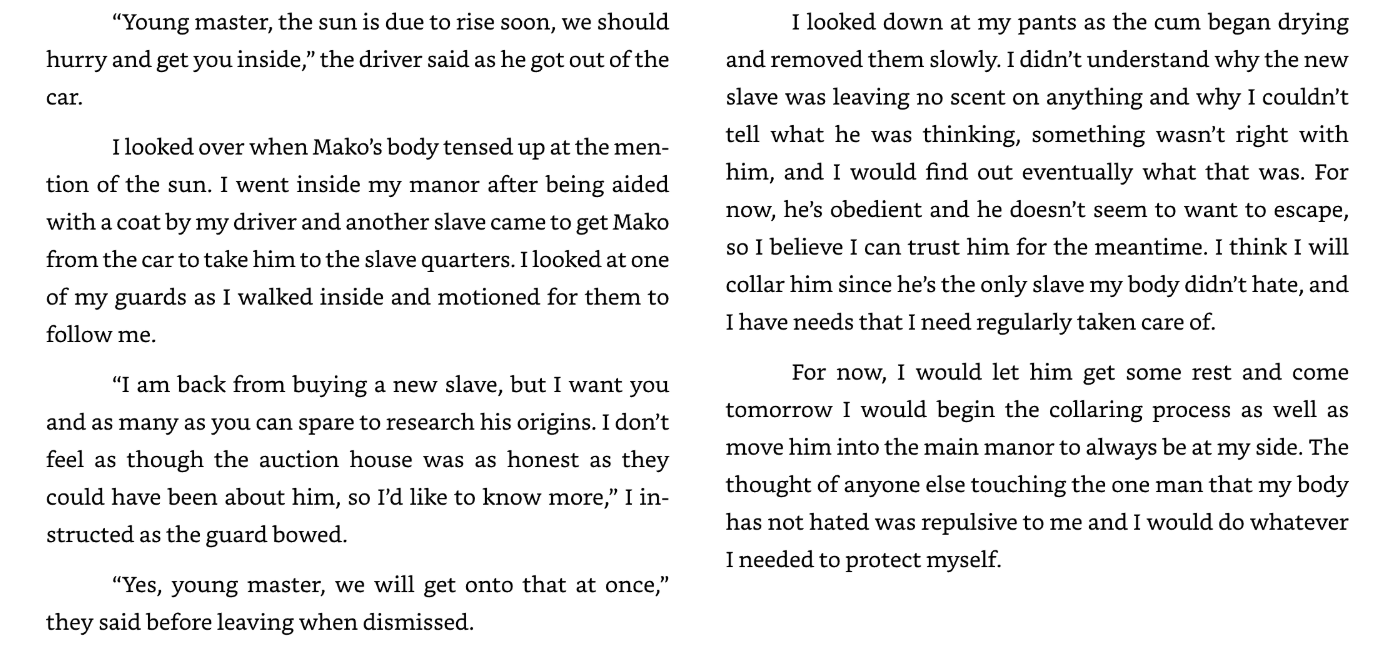 Image 4 of 4
When running away from his fiancé, Marcus thought that he'd never see him again. Under disguise, Marcus is brought into the slave trade, trained, then sold to the highest bidder. In an unfortunate turn of events the highest bidder is his ex-fiancé that he hasn't seen in several years. It's even more unfortunate when forced to confront the fact that his fiancé had accidentally turned him into a vampire, which was why Marcus ran away.
There is multiple ways to transfer this book to your kindle. Keep in mind that Kindle does not directly support ePub, but it will be automatically converted to a kindle appropriate file! Here are the ways you can do it:
1. Send to Kindle by Email:
Find your Kindle's unique email address in your Amazon account settings (under "Manage Your Content and Devices," then "Devices").
Compose a new email and attach the epub file.
Send the email to your Kindle's email address.
Sync your Kindle to receive the book
2. Send to Kindle by Web Browser:
Go to the Amazon "Send to Kindle" page.
Sign in to your Amazon account.
Drag and drop your epub file onto the designated area, according to Amazon.
Choose to add the book to your library or send it to specific devices.
3. Send to Kindle App (iOS/Android):
Open the Kindle app on your iOS or Android device.
Locate the epub file on your device (e.g., in your file manager).
Use the "Share" or "Open With" option to send the file to the Kindle app.
Select your Kindle device and send the file.
4. USB Transfer:
Connect your Kindle to your computer using a USB cable.
Locate your Kindle drive in your file manager (e.g., Finder on Mac, File Explorer on Windows).
Open the "Documents" or "Books" folder on your Kindle.
Drag and drop the converted epub file (or the original epub file if it's compatible) into that folder.
When running away from his fiancé, Marcus thought that he'd never see him again. Under disguise, Marcus is brought into the slave trade, trained, then sold to the highest bidder. In an unfortunate turn of events the highest bidder is his ex-fiancé that he hasn't seen in several years. It's even more unfortunate when forced to confront the fact that his fiancé had accidentally turned him into a vampire, which was why Marcus ran away.
There is multiple ways to transfer this book to your kindle. Keep in mind that Kindle does not directly support ePub, but it will be automatically converted to a kindle appropriate file! Here are the ways you can do it:
1. Send to Kindle by Email:
Find your Kindle's unique email address in your Amazon account settings (under "Manage Your Content and Devices," then "Devices").
Compose a new email and attach the epub file.
Send the email to your Kindle's email address.
Sync your Kindle to receive the book
2. Send to Kindle by Web Browser:
Go to the Amazon "Send to Kindle" page.
Sign in to your Amazon account.
Drag and drop your epub file onto the designated area, according to Amazon.
Choose to add the book to your library or send it to specific devices.
3. Send to Kindle App (iOS/Android):
Open the Kindle app on your iOS or Android device.
Locate the epub file on your device (e.g., in your file manager).
Use the "Share" or "Open With" option to send the file to the Kindle app.
Select your Kindle device and send the file.
4. USB Transfer:
Connect your Kindle to your computer using a USB cable.
Locate your Kindle drive in your file manager (e.g., Finder on Mac, File Explorer on Windows).
Open the "Documents" or "Books" folder on your Kindle.
Drag and drop the converted epub file (or the original epub file if it's compatible) into that folder.